 YT Shorts Auto-Scroll
Shorts that keep scrolling in Picture-in-Picture — even with Safari hidden.
A Safari Web Extension that advances to the next Short the instant one ends, keeps the audio going when Safari is in the background, and — the genuinely hard part — plays real Shorts in a Picture-in-Picture window that keeps advancing on its own, even while Safari is hidden.
Not on the App Store — build it yourself. No Xcode? On Safari 26+, add the extension/ folder as a temporary extension, no build step required. Notarized Mac download coming soon.
Auto-scroll: advances the instant a Short ends — no timer involved.
Poll-based auto-scrollers all break the moment you look away.
The userscripts and Chrome extensions you'll find all work the same way — a timer that clicks YouTube's next button. Safari suspends timers and the rendering pipeline for hidden tabs, so that timer, and the auto-scroll with it, dies the moment the tab isn't in the foreground.
Event-driven off the media pipeline — not a timer in sight.
Getting Shorts to auto-advance, keep playing audio in the background, and finally advance inside a background Picture-in-Picture window each meant getting around a different Safari quirk.
Auto-advance without a timer
Media events are driven by the browser's media pipeline, not the timer queue — so they keep firing even hidden, even in PiP.
Background audio, not a scroll
YouTube advances Shorts with a compositor scroll — frozen for hidden tabs. Instead, loadVideoById swaps the stream in place.
Background Shorts in PiP
A temporary Shorts-only playlist plus a "PiP bounce" — exit and re-enter presentation mode — forces Safari to build a fresh, rendering PiP surface.
Rather than guess at YouTube's internals, this was reverse-engineered against a live, logged-in Safari tab driven by AppleScript — every claim above was measured, not assumed. test/run-async-in-safari.sh — the harness that cracked it
Small extension. No dependencies. No build step.
One popup, five things it can do, and a permission surface small enough to read in ten seconds.
Auto-scroll Shorts
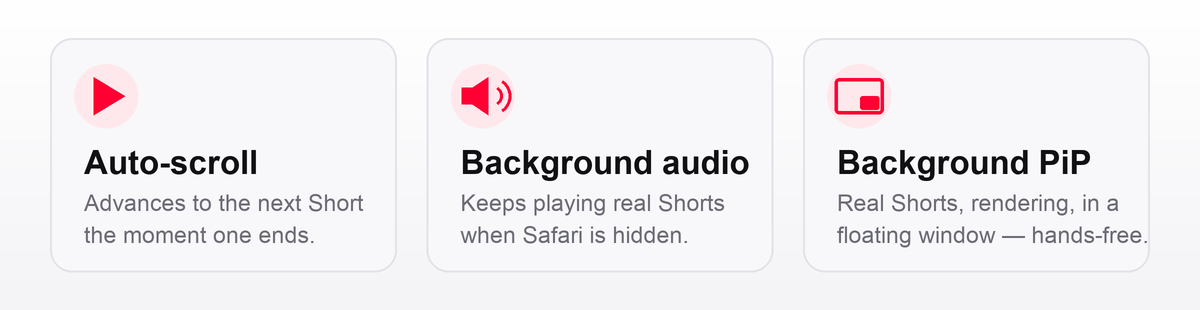
When a Short ends, it advances to the next one automatically. Toggle it on or off from the toolbar.
Background audio
Minimize Safari on a Short and it keeps playing real Shorts, one after another, hands-free — audio only, no window.
Background Shorts (PiP)
One tap builds a playlist and pops it into a floating window that keeps advancing through rendered Shorts even while Safari is hidden.
Picture-in-Picture this page
A universal button that pops whatever video is playing on the current tab — any site — into PiP.
Zero dependencies, zero build step
Plain JS, Manifest V3, promise-based browser.* APIs — ships as source, no bundler required.
Safari 17+ · MV3 · MIT
Safari 26+ unlocks the no-build temporary-extension path. Everything else works from 17 onward.
There's an unavoidable ~1.5-second flicker. We're not hiding it.
Two Safari facts fight you here: any programmatic stream swap tears down or blanks Picture-in-Picture, and only YouTube's native playlist autoplay can advance without navigating away — which would close PiP with a "leaving this page" prompt. The fix bounces the window closed and immediately back open to force a fresh render, and that bounce has a floor.
After each advance the PiP window goes blank — audio plays, frames decode, nothing paints. Exiting and re-entering presentation mode forces Safari to build a genuinely fresh surface, but Safari physically refuses to re-open the window faster than its own teardown allows.
There's an unavoidable ~1.5-second flicker between Shorts: that's Safari's own PiP teardown time, and it physically refuses to re-open the window faster. Verified by trying every timing — this isn't a choice, it's a floor.
Scroll Shorts. Never touch the screen.
Free, open source, and honest about the ~1.5s it can't avoid.
Notarized Mac download coming soon.
Not on the App Store, and none planned — this is a local, non-notarized build. Two ways to run it: add the extension/ folder as a temporary extension in Safari 26+'s Developer settings (no build step), or open the committed Xcode project for a persistent install signed with your own Apple ID.